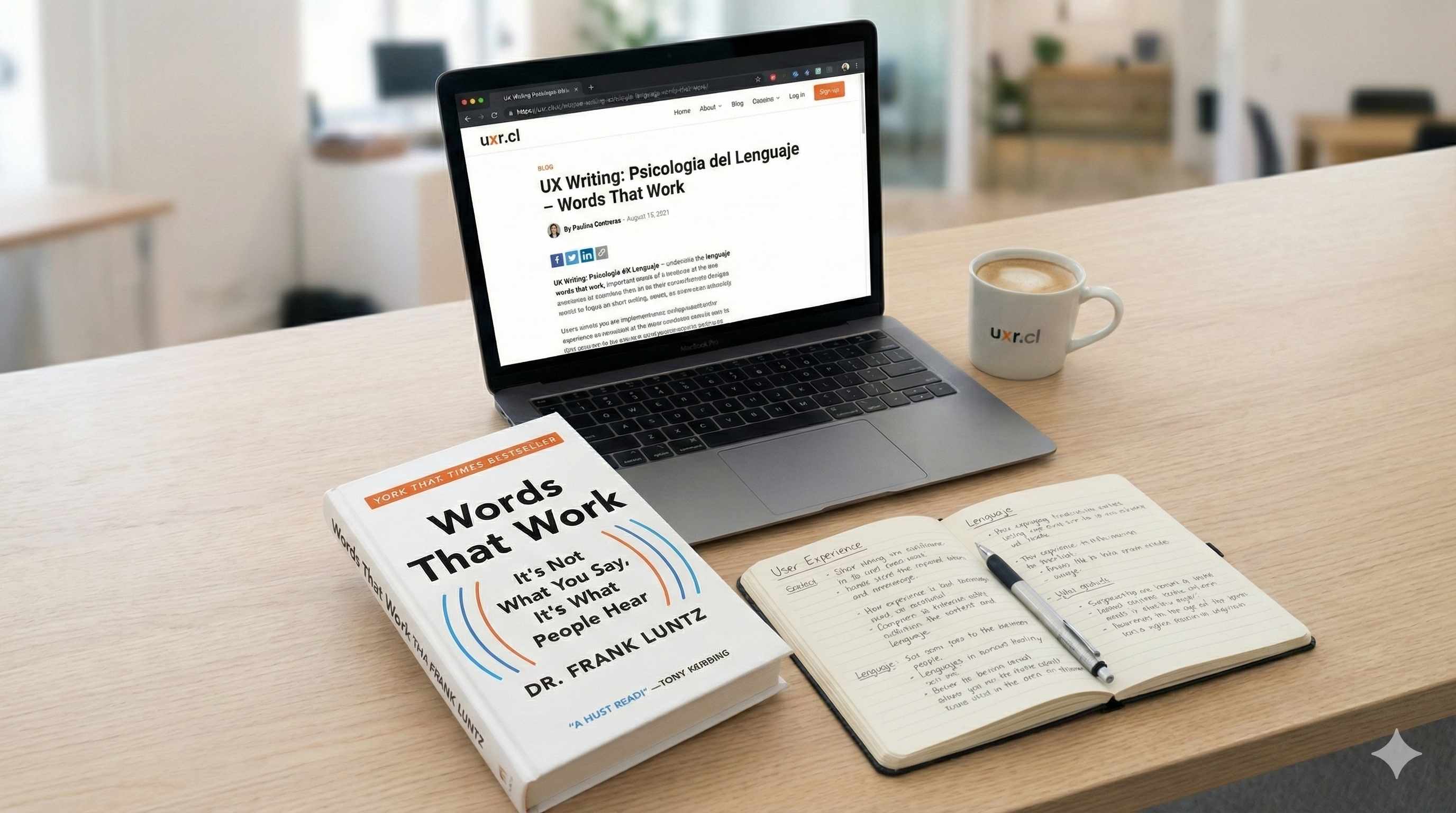
UX Writing and Language Psychology: What I Learned from "Words That Work"
I came to Frank Luntz through an unexpected path. I was taking CXL’s Digital Psychology and Persuasion course, and in one of the classes on cognitive biases, a concept appeared that left me thinking: Fluency Bias, a bias that directly affects how we perceive microcopy and text in digital interfaces.
The idea is simple but powerful: things that are easy for our brain to process seem more credible and trustworthy. And conversely: what’s hard to understand generates distrust.
I remembered all the times in usability testing I’ve seen users hesitate in front of texts that for the product team were “crystal clear.” The famous phrase “but it’s all explained right there” that we’ve all heard (or said) at some point.
The course mentioned a Princeton study that I found brilliant. Daniel Oppenheimer (2005) demonstrated that writers who use unnecessarily long words and complicated typography are perceived as less intelligent than those who write simply and directly. The paper’s title is a gem of irony: “Consequences of Erudite Vernacular Utilized Irrespective of Necessity.” An intentionally convoluted title for a study about why not to use convoluted language.
From there I arrived at “Words That Work” by Frank Luntz. Luntz is an American political consultant, famous (or infamous, depending on your political orientation) for his work in communication and public opinion. But beyond politics, his findings on how humans process information are tremendously useful for those of us working in UX.
His central thesis could be the best definition of user-centered design I’ve read:
“It’s not what you say, it’s what people hear.”
Why Text Matters in UX Research
As researchers, we spend a lot of time thinking about flows, information architecture, visual hierarchies. But text often gets left for the end, with the classic Lorem Ipsum until someone from the content team “fills it in.”
The problem is that words are interface. Text is not decoration or filler: it’s the way the system communicates with the user. And if that communication fails, it doesn’t matter how beautiful the design is.
I’ve seen tests where the user doesn’t understand what a button does, not because the button is poorly placed, but because the label doesn’t mean what the team thinks it means. Or forms where people stop because they don’t understand what’s being asked of them, even though “technically” the instruction is correct.
Luntz would say the problem isn’t the user. The problem is that we’re speaking in our language, not theirs.
3 Language Psychology Principles Applied to UX Writing
1. Simplicity and Cognitive Load: Why Simple Language Works Better
One of Luntz’s rules is “use small words.” Avoid jargon, always seek the simplest word.
This connects directly with Oppenheimer’s study: simple language in UX Writing doesn’t make you look less professional, it makes you look more trustworthy. The effort the user spends deciphering your text is effort they’re not spending completing their task.
A typical example:
- Corporate version: “To facilitate the authentication process, please enter your access credentials.”
- Simple version: “Enter your email and password.”
It’s not that the first is “wrong.” It’s that the second requires less cognitive effort. And in a form where you want people to move forward, every millisecond of friction counts.
Exercise you can do: Review the text on a screen of your product and count words with more than three syllables. How many could you replace with something shorter without losing meaning?
2. Microcopy That Visualizes vs. Microcopy That Describes
Luntz says one of the most powerful words is “Imagine.” Words that paint a mental image are more memorable and persuasive than abstract descriptions.
A famous example from Luntz: he suggested changing “Estate Tax” (technical, abstract, sounds like a rich people problem) to “Death Tax” (visceral, concrete, sounds like an injustice). The word change changed the public debate.
How does this apply to interfaces?
Think about empty states (those screens that appear when there’s no content yet):
- System state: “No projects created.”
- Aspirational state: “Create your first project and start organizing your work.”
The first describes the screen. The second helps the user visualize what comes next.
The same happens with error messages. “Validation error in field 3” doesn’t tell anyone anything. “Check your ID format, it should include the dash” paints a picture of the solution.
3. How to Build Trust with Text in Forms
Luntz warns: “If they don’t believe you, they won’t buy your message.” In digital, trust is built (or destroyed) in seconds.
I see this all the time in forms. It’s one of the most common mistakes in UX Writing: if you ask for a phone number without explaining why, the user hesitates. If you ask for location without context, the user distrusts.
A concrete example:
- Without context: “Mobile” field with required asterisk.
- With context: “Mobile (we’ll send you your order confirmation via SMS).”
The second not only explains the why, it also reduces the friction of “are they going to call me to sell me things?”
Luntz suggests always giving context before asking for data. In UX we translate this as: reduce uncertainty before asking for commitment.
Practical Exercises to Improve UX Writing
If you want to incorporate this perspective into your work, here are some exercises that have helped me:
“Semantic” Card Sorting: When you do card sorting, don’t just ask users to group functions. Ask them to rename the categories in their own words. You’ll discover how they call what you internally call “Asset Management” or “Control Panel.”
Reading Aloud: Ask a user to read the text on a screen out loud. Where they stumble, hesitate, or reread, there you have a linguistic usability problem. It’s a simple but revealing exercise.
Jargon Audit: Take a screen from your product and underline every word a new user might not understand. Include acronyms, technical terms, and words your team uses internally but aren’t common language.
From Clinical Psychology to UX Research: Listening to User Language
Reading Luntz I realized this wasn’t so foreign to me. Before dedicating myself to UX, I worked as a clinical psychologist, and in therapy there’s something you do almost without thinking: adopting the patient’s language.
First you listen to how they tell their story. You pay attention not only to what they say, but to how they say it, what words they choose, what metaphors they use. Then you reflect those same words back, because they’re the ones that have meaning for that person. Sometimes you inquire: “when you say you feel ‘trapped,’ what does that mean to you?” And once you understand, you continue using those words to move forward in the process. (And let’s not even talk about body posture, which is another interesting parallel between clinical work and research, but that’s for another post).
It’s the same thing we do (or should do) in UX Research. We listen to how users describe their problems, their tasks, their expectations. And then, ideally, we return those same words in the interface. Not ours. Not the product team’s. Theirs.
Luntz, from political communication, arrived at the same conclusion as clinical psychology and user-centered design: if you want your message to land, you have to speak in the other person’s language.
The problem is that in the day-to-day of product development, this gets lost. The text is written by someone who wasn’t in the interviews. The labels are defined by someone who’s been using internal jargon for years. And the user ends up in front of an interface that’s technically correct, but doesn’t speak their language.
Perhaps part of our job as researchers is to be translators. Not just raising findings, but also ensuring that user language makes it to the final product.
Have you paid attention to text in your recent tests? What findings have you had? I’d love to hear from you in the comments or on LinkedIn.
References
- Oppenheimer, D. M. (2005). Consequences of Erudite Vernacular Utilized Irrespective of Necessity: Problems with Using Long Words Needlessly. Applied Cognitive Psychology, 20(2), 139-156. https://doi.org/10.1002/acp.1178
- Luntz, F. (2007). Words That Work: It’s Not What You Say, It’s What People Hear. Hyperion.
- CXL Institute. Digital Psychology and Persuasion Minidegree. https://cxl.com/institute/programs/digital-psychology-persuasion-training/